

Okay, I need to get something off my chest. Every time I hear “WordPress AI,” I picture Jetpack writing blog posts for me or a little chatbot hanging out on the contact page. Nothing against those tools – they have their place. But as a developer, that stuff interests me about as much as a new page builder template.
Novamira is different. And I mean that genuinely.
What’s actually going on here?
Imagine your AI agent – whether that’s Claude, Cursor, or VS Code Copilot – isn’t sitting outside of WordPress anymore, waiting for you to copy-paste things back and forth. Instead it works directly inside your installation, with real access to $wpdb, your loaded plugins, the whole setup. Not through the REST API, not through some watered-down wrapper.
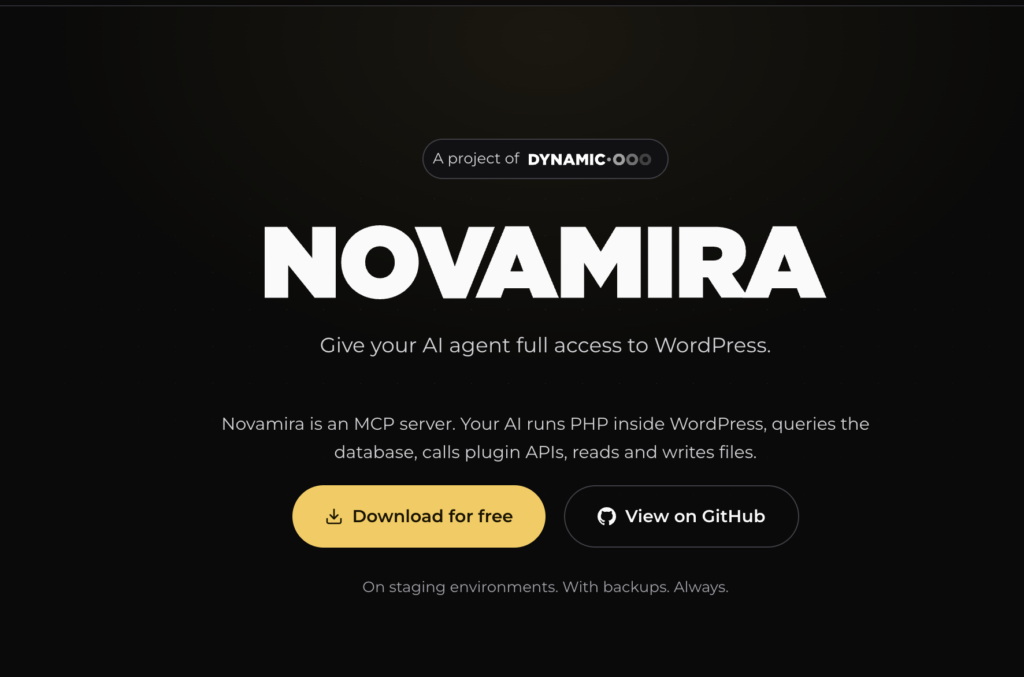
That’s basically what Novamira does. It connects MCP-compatible AI clients via the Model Context Protocol straight into your WordPress environment. The agent can execute PHP in the full WordPress context, read and write files, activate or deactivate plugins, browse directories. Sounds unspectacular at first, but after you’ve worked with it for an hour you really notice how different it feels.
No more constantly explaining what your setup does. No losing context halfway through. The agent just sees what it needs to see.
For Claude Code:
claude mcp add 'wordpress' \
  --env WP_API_URL='https://your-site.com/wp-json/mcp/mcp-adapter-default-server' \
  --env WP_API_USERNAME='admin' \
  --env WP_API_PASSWORD='YOUR-APP-PASSWORD' \
  -- npx -y @automattic/mcp-wordpress-remote@latest
Where this actually makes sense for agencies and dev teams
I know this problem way too well. You’re managing five WooCommerce stores, each one built slightly differently, each with its own custom fields and weird plugin combinations. And there you are, writing basically the same migration script again with minor tweaks, or debugging that one ACF integration for the third time because it’s behaving strangely.
That’s exactly what Novamira is built for. The agent iterates with you, in the same context, without you having to explain everything from scratch. You’re not saving hours on every single task – but on the right tasks the difference is real.
What convinced me most: you don’t need special plugins that first have to build in MCP support. Because Novamira works at the PHP level, it can reach everything your installation can do. WooCommerce, ACF, Yoast, some old custom plugin from 2017 – all accessible, no extra setup required.
But – and this matters
The people behind Novamira are upfront about things, and I really appreciate that. The docs make it clear that this is built for staging and development environments, not for live sites, and that you should have a backup before you start – not a nice-to-have, but mandatory. AI Abilities are disabled by default and need to be switched on deliberately, authentication runs through WordPress Application Passwords over HTTPS, and you need at least WordPress 6.9 and PHP 8.0.
What stood out to me is that the docs also say what a lot of tools would quietly sweep under the rug. The sandbox for PHP files has crash recovery and a safe mode, but it’s not a real security boundary, and Execute PHP can in principle bypass filesystem restrictions. Full power, full responsibility – that’s the deal, and I think it’s genuinely good that they communicate that so openly.
For someone who knows what they’re doing, that’s not a dealbreaker. For someone who just wants to quickly experiment without really knowing what’s happening under the hood – probably better to hold off for now.
My honest take
Novamira isn’t a tool for everyone. It’s also still young – version 1.0, small community, things will keep evolving. But the approach behind it is the most sensible I’ve seen in the WordPress AI space so far. Not slapping AI on top of the system, but actually letting it work inside the system.
If you’re a developer, you regularly work on staging environments, and you know how to handle something like this responsibly – go check it out. It’s worth your time.