

Anyone who has worked on enough WordPress projects knows this feeling: a site loads, responds, and technically works, yet something about it still feels off. There’s a slight delay when you scroll. The header settles a moment too late. Images appear just a bit slower than your eyes expect. It’s not broken, but it’s not clean either.
Over the years, this pattern shows up so consistently that you almost start predicting it. WordPress itself is rarely the issue. The real weight comes from the ecosystem around it. Overly ambitious themes. Plugins that load entire toolkits for one small feature. Images that were never resized. Decisions made years apart by different people with different goals.
The instinctive reaction is usually the same: install a performance plugin and hope it fixes things. But performance doesn’t come from a single switch. It comes from clarity in how the site is built. A site that isn’t fighting against its own structure is always faster, even before optimization tools get involved.
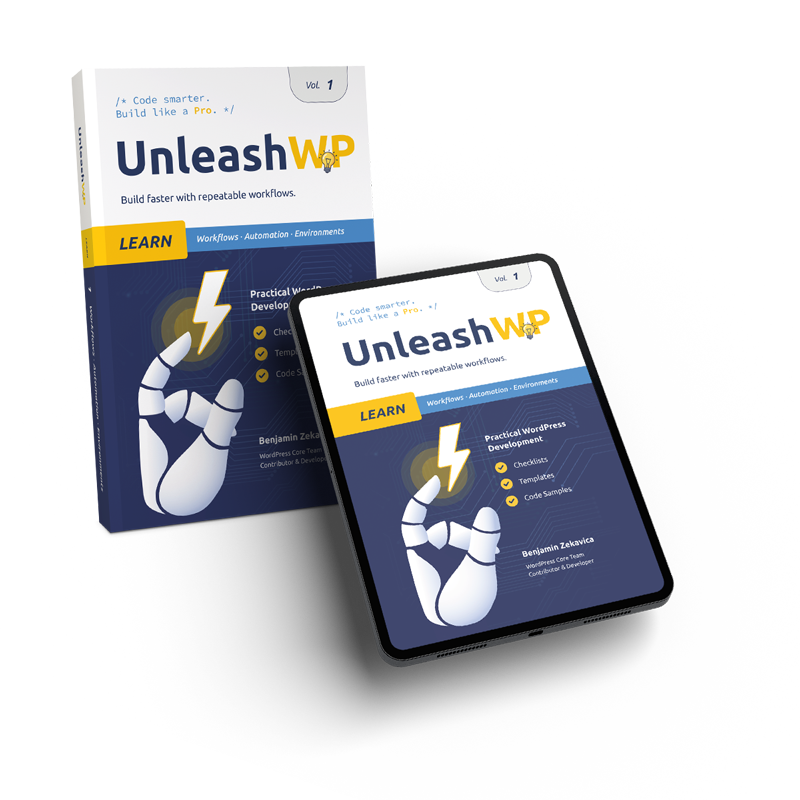
That’s why, in UnleashWP Vol. 1, I focused not on explaining fundamentals but on documenting the technical insights that consistently made the biggest difference across real-world projects. Patterns, decisions, and solutions that proved effective again and again. The tools in this article follow the same principle. They are included because they delivered results when performance wasn’t a “nice to have,” but a requirement.
WP Rocket
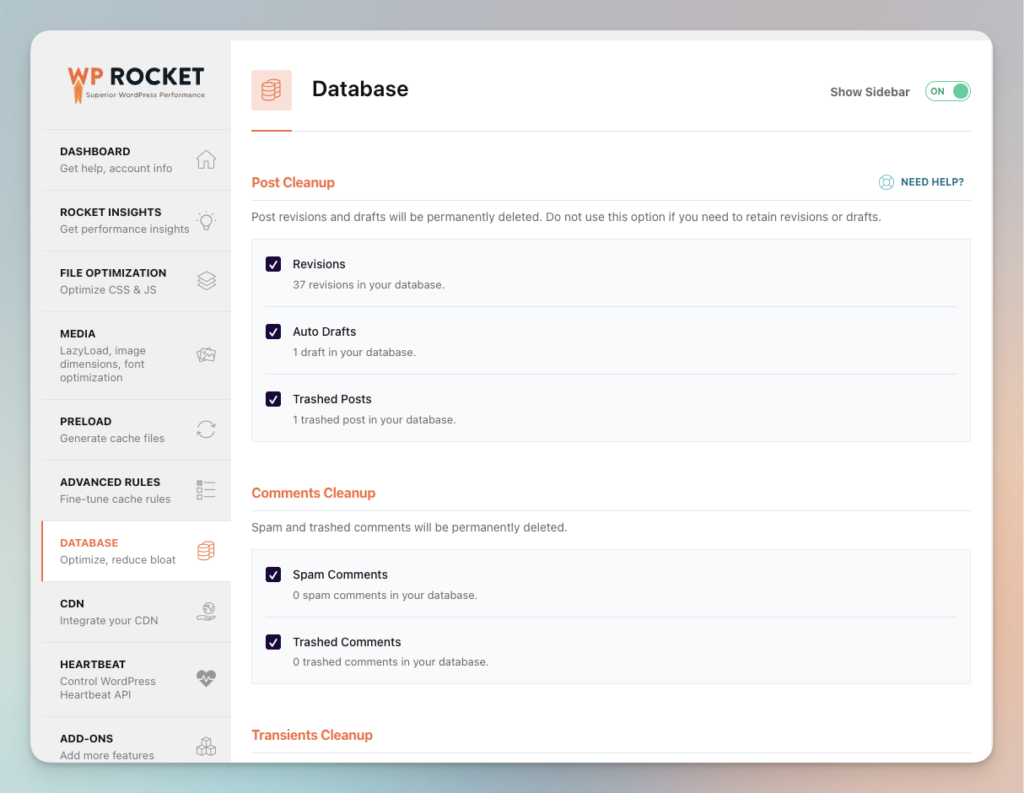
WP Rocket is a tool that doesn’t try to impress you with complexity. Its value lies in stability. It handles caching cleanly, reduces minor delays, and stays out of the way. In setups where several people contribute to the site, that kind of reliability often matters more than squeezing out a few extra milliseconds.
I used WP Rocket on a long-running corporate blog that felt sluggish although nothing was technically wrong. Once enabled, the site behaved more consistently. It didn’t transform the site overnight, but the whole experience felt steadier.
That’s what WP Rocket does well:
it brings a predictable calm to the loading process.
Cloudflare Free and Cloudflare APO
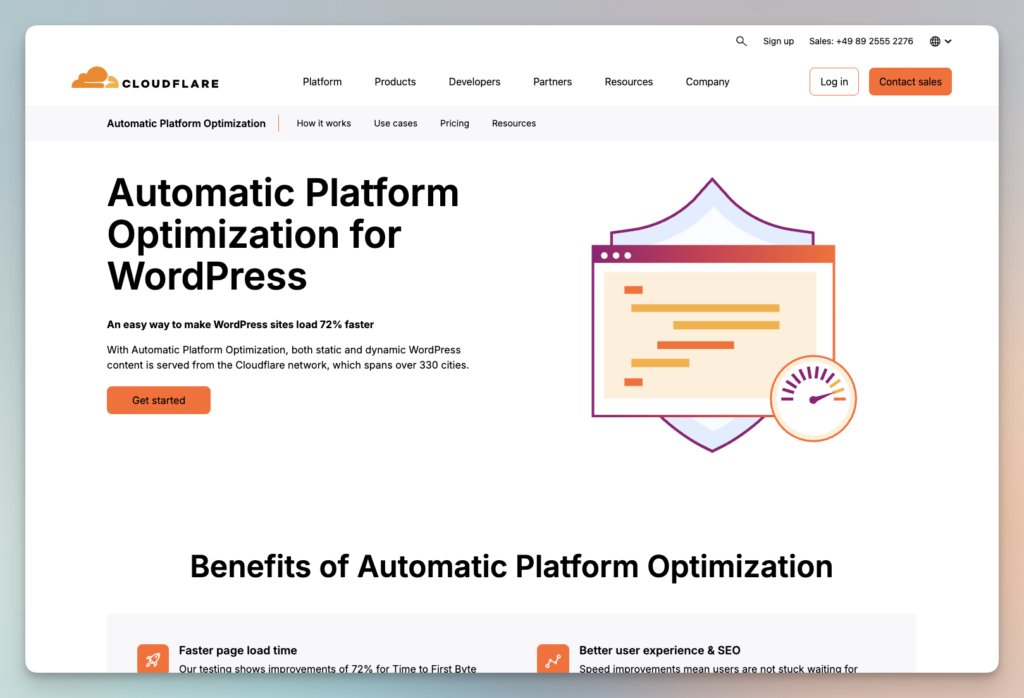
Cloudflare Free makes an immediate impact by serving static assets from data centers around the world. Without changing anything else, global visitors see better TTFB and faster delivery.
APO goes further by caching full HTML pages. That means users in completely different regions still experience near-local performance. For projects with international audiences, especially US visitors on European servers, APO consistently improved load times in a noticeable way.
Cloudflare is one of the simplest but most effective
performance layers you can add.
LiteSpeed
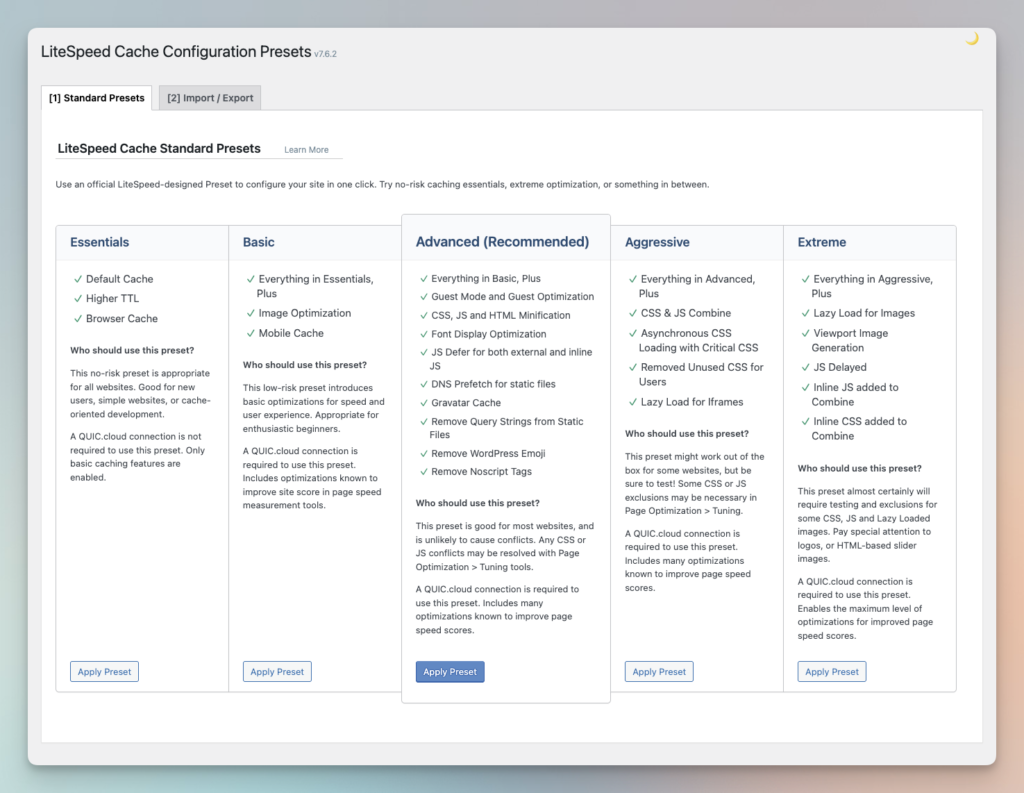
There are several free caching plugins that perform surprisingly well in real projects and deserve to be mentioned on their own. The strongest option is LiteSpeed Cache, but only when the site is running on a LiteSpeed or OpenLiteSpeed server. In that environment, it delivers true server level caching, generates critical CSS, optimizes images and provides a complete performance stack without the need for additional tools.
W3 Total Cache
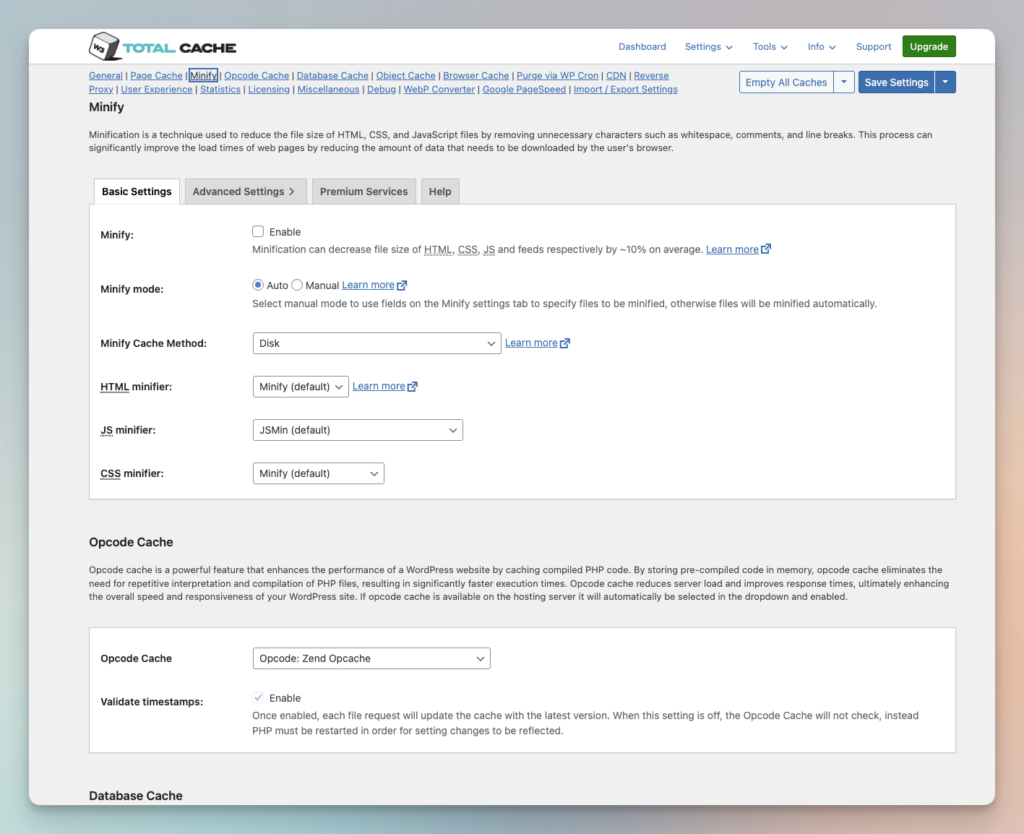
For Apache or Nginx based setups, W3 Total Cache and Cache Enabler remain reliable choices. They are not as polished as modern all in one performance tools, but on smaller sites or clean installations they can still deliver clear improvements. These free plugins do not replace a full performance strategy, but they are among the few free solutions that consistently produce good results in real world environments.
Do Not Combine Caching Plugins
Caching plugins should never run at the same time. Each plugin tries to control how pages are cached, how HTML is processed and how assets are optimized. When two systems operate in parallel, conflicts are unavoidable.
A common mistake is using LiteSpeed Cache together with W3 Total Cache. Both plugins generate their own caching layers and modify the HTML output. When combined, they often cause layout issues and unpredictable behavior.
The rule is simple. Choose one caching solution and let it handle the entire stack.
FlyingPress
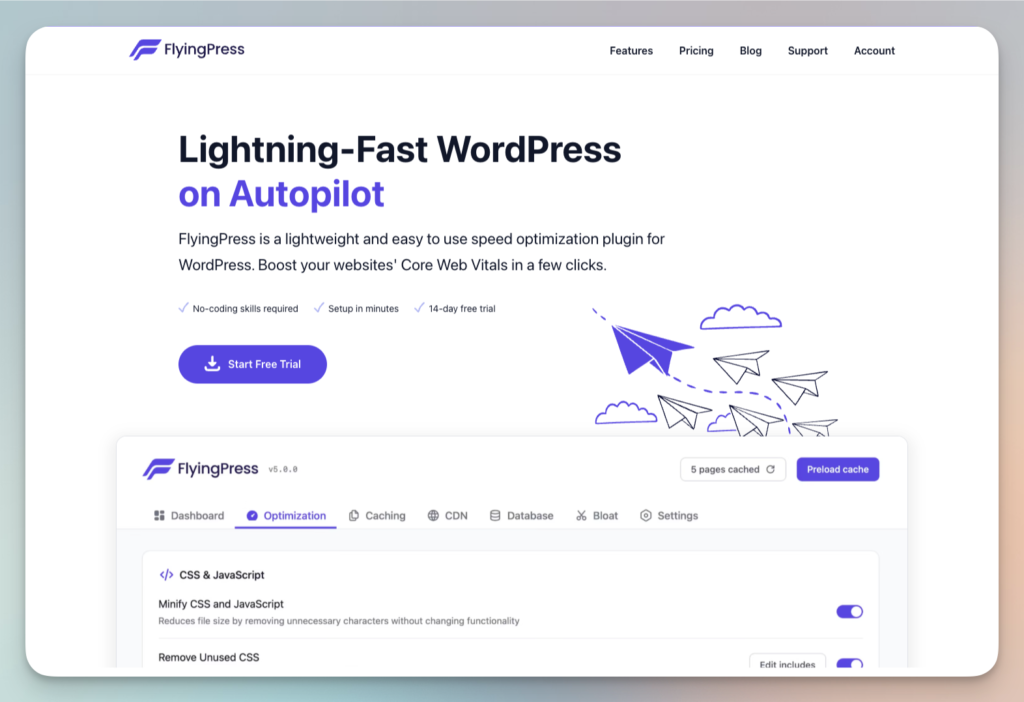
FlyingPress plays in a different category. It’s built for moments when the feel of the page is just as important as the metrics. When the LCP element appears too late. When the theme loads resources that don’t belong in the initial render. When you want the content to show up fast, not just “score well.”
One WooCommerce store I worked on relied heavily on visuals. The first meaningful content took far too long to appear. After setting up FlyingPress, the difference was immediate. The page felt responsive in a way it never had before, even before running any measurement tools. FlyingPress works best when the site already has some structure and needs sharper prioritization.
ShortPixel
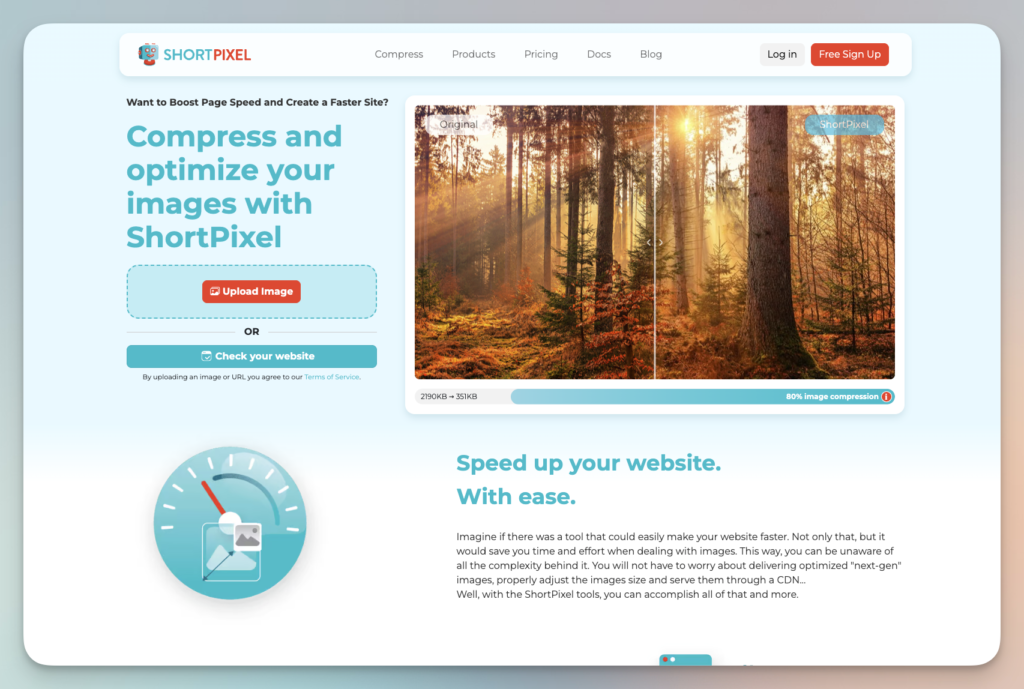
Every WordPress site with multiple contributors eventually ends up with oversized images. It’s unavoidable. And oversized images slow down everything, no matter how good the hosting is.
ShortPixel quietly cleans that problem up. It compresses images, generates modern formats, and reduces weight without harming quality. I worked on a magazine website with thousands of large images. After running ShortPixel, the site felt noticeably lighter. Image optimization alone can deliver some of the biggest performance gains you’ll ever see.
Perfmatters
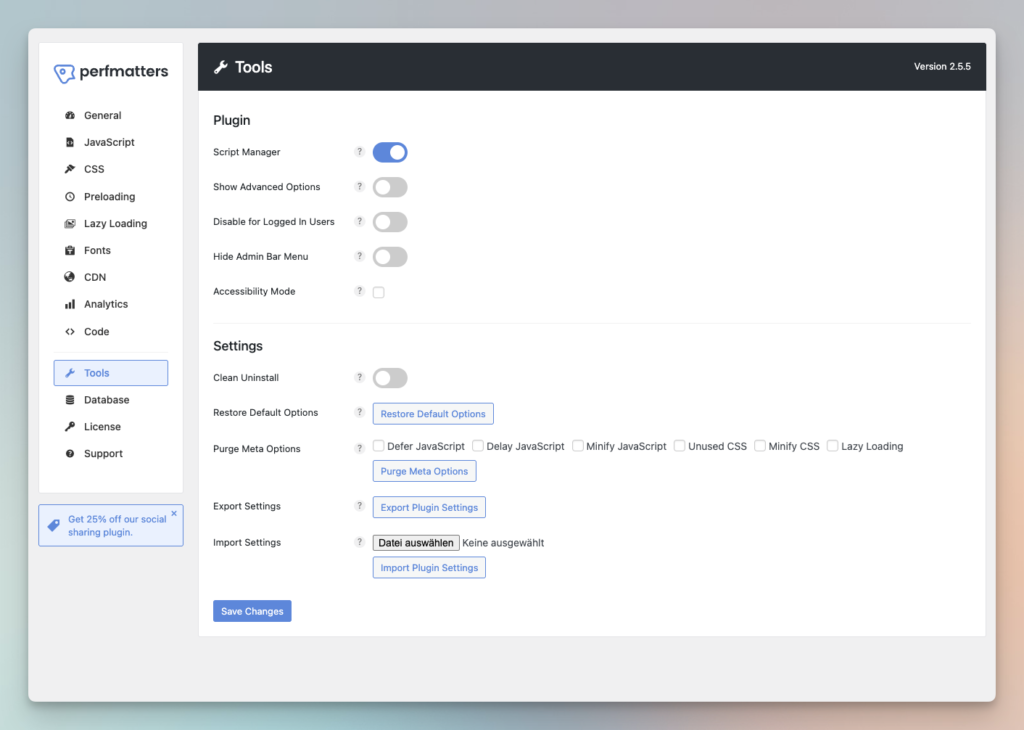
Perfmatters is a diagnostic tool at heart. It shows what really loads on each page and reveals issues that aren’t obvious at first glance. Many slow sites don’t have a single big issue. They have twenty small ones. Scripts enqueued everywhere. Assets that belong only on specific pages. Old remnants of plugins nobody uses anymore.
I’ve cleaned up pages that loaded more than twenty unnecessary JavaScript files because nobody realized they were still active. After disabling that noise, the site didn’t just load faster. It behaved more predictably. Perfmatters helps tighten the installation by removing what should never have been loaded in the first place.
NitroPack
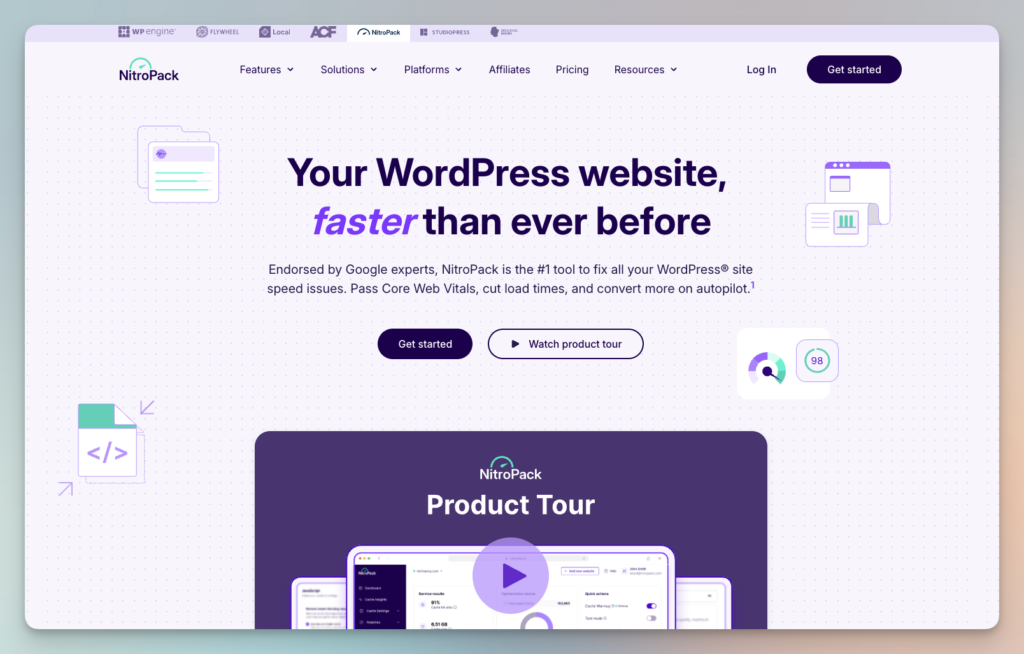
NitroPack takes a more aggressive, all-in-one approach. It handles caching, minification, image processing, CDN delivery, and resource prioritization automatically. It’s especially useful when a site is already overloaded and you need meaningful improvements without refactoring everything immediately.
I’ve used NitroPack on older themes and installations that had been patched for years. It doesn’t replace real cleanup, but it provides stability until you have the time to restructure. If you need progress fast, NitroPack can bridge the gap.
Why Structure Matters More Than Any Plugin
The hardest truth about WordPress performance is also the most consistent one. Tools cannot fix a site that is structurally heavy. A theme that tries to do everything will remain slow. A media library full of unoptimized images will always drag. A site with too many plugins will feel unstable, no matter how many optimizers you add.
Performance begins with architecture. Tools refine the foundation.
They do not replace it.
Many installations don’t require a full rebuild. They require cleanup. They require someone who understands how WordPress loads resources, how scripts interact, how templates stack, and where unnecessary weight accumulates.
Conclusion
Performance is not created by plugins. It’s created by good decisions. A clean theme, reasonable resource usage, optimized media, and a backend that doesn’t fight itself. When that foundation is in place, tools like WP Rocket, FlyingPress, ShortPixel, Perfmatters, NitroPack, and Cloudflare can do exactly what they’re meant to do.
If you want to understand the patterns that define modern WordPress performance and the technical insights that make the biggest real-world difference, you’ll find them in UnleashWP Vol. 1. And if your installation needs hands-on cleanup, the UnleashWP Performance Service is built for exactly that kind of work.
A fast site isn’t a coincidence. It’s the result of clarity.