

Most WordPress projects that run into security issues later on are not badly built. They are grown systems. Plugins were added because they solved a problem. Themes were adjusted because it was faster. Updates were postponed because there was no time right now. Over time, a setup emerges that works, but no longer clearly belongs to anyone.
Security incidents happen exactly in these projects. Not because WordPress itself is inherently insecure, but because responsibility and clarity slowly disappeared.
The usual suspect: outdated plugins and themes
When I look at compromised WordPress installations, the pattern is almost always the same. No zero-day exploit, no exotic attack. Instead, a plugin or theme that has not been updated for months. Often not out of negligence, but out of caution. Nobody wanted to break anything.
The problem is that known vulnerabilities are not a theoretical risk. They are actively exploited. A plugin that is not maintained regularly is not a minor detail. It is an open door.
That is why I always start with reduction in existing projects. Anything that is not clearly needed goes. Anything without an active maintenance team is not an option. Fewer plugins mean less code, fewer dependencies, and fewer updates that need to be tracked. This is not a stylistic preference. It is risk reduction.
Updates are part of security, not maintenance
Updates are often treated as a maintenance task. Something you do when there is time. In practice, updates are one of the most effective security measures you have.
I keep themes and plugins consistently up to date. Not by clicking buttons in production, but regularly, predictably, and in a controlled way. If a setup is only stable as long as nothing gets updated, it is not a stable setup.
A simple rule that has proven itself in practice: If a plugin causes fear every time it needs an update, it does not belong in the project. Either because it is poorly built or because it reaches too deeply into the system.
Write access decides whether an attack persists
Many attacks succeed or escalate based on a single question: can the web server write files or not? In many projects, PHP can write almost anywhere. That works, but it is dangerous. Once an attacker achieves code execution, persistence becomes trivial.
In my setups, production is deliberately restrictive. The web server can read, uploads can write, but plugins and themes cannot be modified. Updates happen through deployment, not live changes.
A simplified example of the idea behind this:
find . -type d -exec chmod 755 {} \;
find . -type f -exec chmod 644 {} \;

chown -R www-data:www-data wp-content/uploads
This is not a hardening trick. It is a conscious decision. If PHP cannot write, a large portion of attacks ends exactly where it begins.
PHP execution in uploads is an unnecessary risk
Uploads are user-generated content. Allowing executable code there is one of the most common and most avoidable mistakes.
On the server level, this is easy to prevent. For example with Nginx:
location ~* /wp-content/uploads/.*\.php$ {
    deny all;
}
Security plugins do not address this. They react after something happens. This decision prevents it from happening in the first place.
Do not forget staging and backups
Staging systems are often underestimated. They look like production, but they are not. They are usually less protected and often contain real data. That is exactly why attackers target them.
The same applies to backups. SQL dumps or full archives end up on servers or in publicly accessible locations. Technically correct, but logically unprotected.
No plugin protects you from a publicly accessible backup file.
Only then does a security plugin make sense
Once these fundamentals are in place, I add a security plugin. Not as a foundation, but as an additional layer.
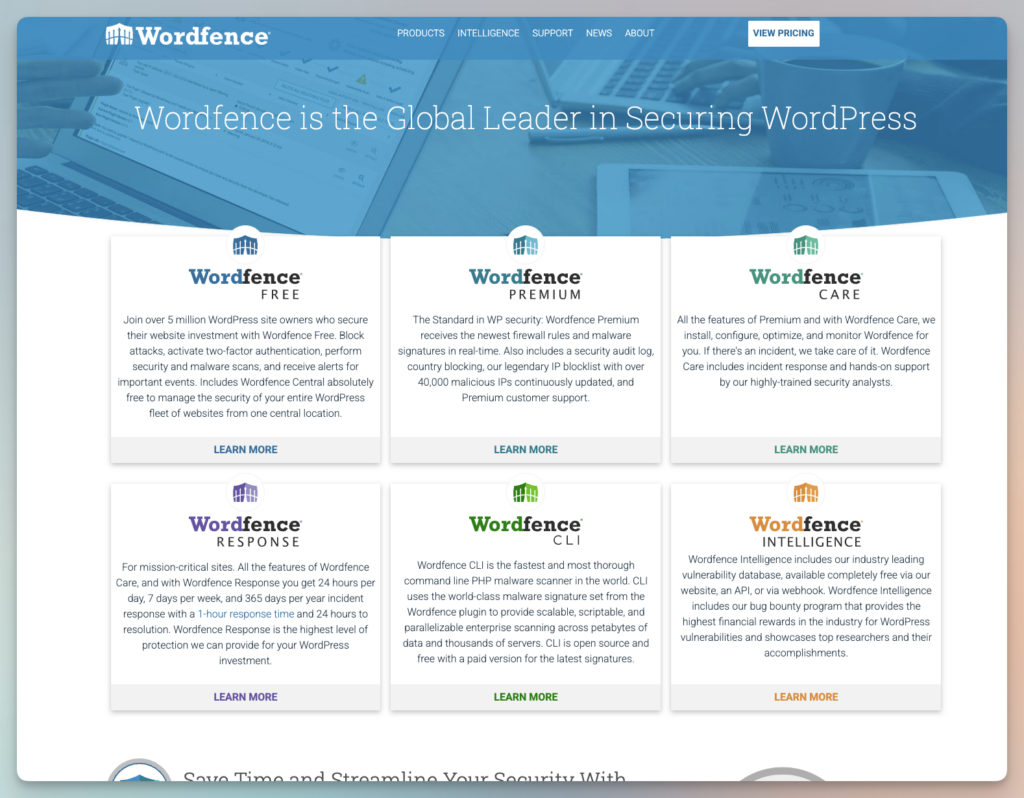
I use Wordfence Premium. Not because it makes WordPress secure, but because it provides visibility. Rate limiting on login endpoints, an additional WAF layer, and clear alerts for file changes are genuinely useful in live projects. The premium version makes sense because rules are updated faster and false positives are easier to manage.
The key is proper framing. Wordfence does not manage file permissions, it does not control updates, and it does not replace sound architectural decisions. It complements a system that was built intentionally.
Conclusion
WordPress rarely becomes insecure because a plugin is missing. It becomes insecure because too many decisions were made out of convenience and never revisited. Too many plugins, outdated versions, systems that are too open.
Security does not come from a single tool. It comes from discipline. Plugins like Wordfence are useful when they are added to a maintained, reduced, and regularly updated setup. Anything else is symptom treatment.
Site hacked?
If a WordPress site has been hacked, cleanup and recovery come first.
UnleashWP offers professional WordPress security cleanup at a fixed price, including malware removal and help securing the site afterwards.